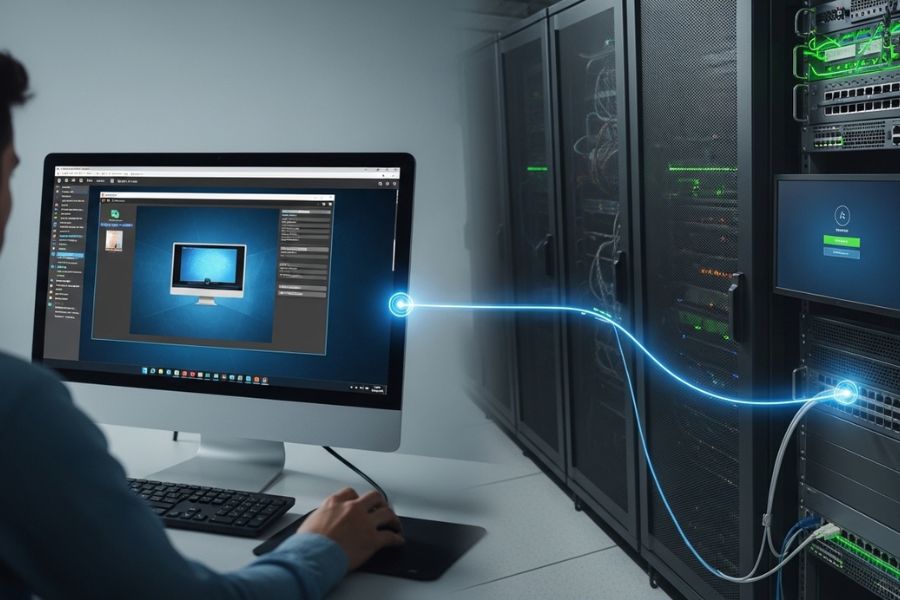
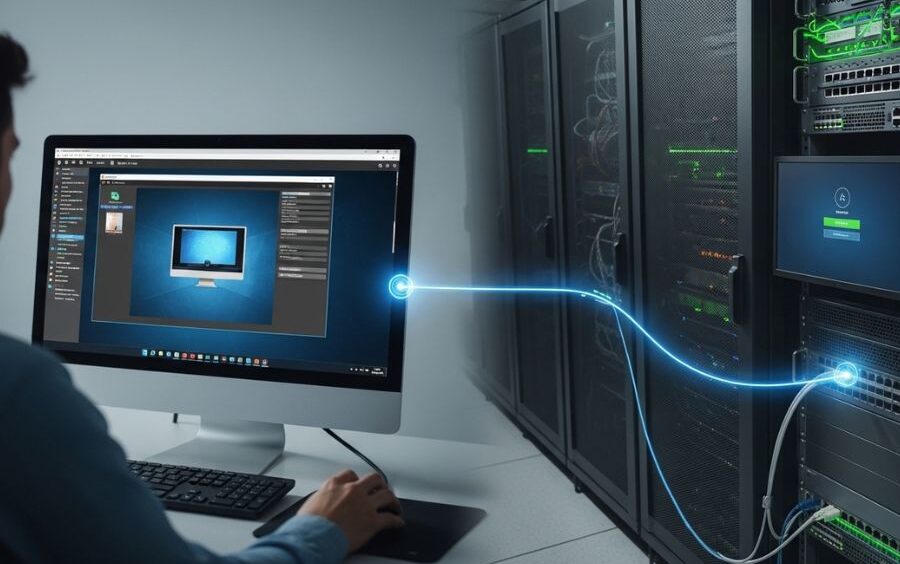
Virtual Network Computing (VNC) is a network technology that allows the viewer to see and operate the desktop of a computer remotely via a network. It sends screen-updates and input signals in real-time using the Remote Framebuffer (RFB) protocol. Although VNC is not an AI-driven technology, the latest network management systems are increasingly using AI to monitor and predict the future and automate activities. VNC is also a basic solution to secure remote access, which is not going to be substituted but complemented by AI-powered solutions.
What is Virtual Network Computing?
Virtual Network Computing is a desktop-based sharing system that enables one computer to dominate another computer over the network. A VNC server is executed on the target computer, and a VNC viewer is then attached to that server through which the entire GUI interaction can occur. The fact that it is cross-platform also makes it suitable for IT support, remote work, and 24/7 system management across Windows, macOS, and Linux, among others.
VNC Server
The host computer is the one that operates the server software,which shares the screen and receives commands made by the clients that are remote.
VNC Viewer (Client)
The viewer is linked to the server, which shows the host screen and accepts the input of keyboard or mouse.
RFB Protocol
The Remote Framebuffer protocol only transmits changes to the screen, not the entire display, which is bandwidth-efficient.
Network Transport
Ports 5900 or 5901 are typically used as connections and might need firewall modification.
Authentication Layer
Passwords can be used to secure sessions, or enterprise services such as LDAP can be used in order to avert unauthorized access.
How Does VNC Work?
VNC monitors the variation on the display of the host and only forwards the updated data to minimize bandwidth consumption. The client sends user inputs to the host, which can be in the form of mouse movement and keystrokes, just as in a physical interaction. This enables remote control almost in real time over networks.
Major VNC Variants and Forks
TightVNC: This is optimized to run in a low-bandwidth setup and has better compression.
RealVNC: Provides free and commercial versions, which are encrypted and authenticated.
TigerVNC: Free, fast, and well-used fork in Linux.
UltraVNC is Windows-oriented and includes other capabilities such as file transfer.
x11vnc: This is used to provide access to their existing Unix/Linux graphical sessions on a live basis.
VNC Security Issues.
Weakness in Default Encryption: Most versions of VNC send data without encryption unless it is encrypted manually.
Authentication Weakness: Weak or default passwords make it easier to hack into it; strong credentials are necessary.
Network Exposure: Firewalls, VPNs, or SSH tunnels should be used to secure open ports.
Compatibility Risks: Forks are not all updated similarly with security support; use supported versions.
Pros and Cons of Virtual Network Computing
| Feature | Pros | Cons |
| Remote Access | Full GUI control from anywhere | May lag on slow networks |
| Compatibility | Works across multiple OS platforms | Some forks lack cross-platform support |
| Resource Usage | Lightweight and easy to deploy | Limited audio and hardware redirection |
| Security | Secure when combined with VPN/SSH | Default settings often insecure |
Popular Use Cases
- Remote Tech Support
Remote access tools allow IT professionals to troubleshoot and fix system issues without being physically present. By connecting to a user’s device from another location, technicians can diagnose problems, install updates, and configure settings in real time. This approach saves time, reduces operational costs, and helps organizations provide faster technical support. - Education and Training
In educational environments, teachers and trainers often control lab computers remotely to demonstrate software usage or technical processes. This allows students to follow instructions more easily while observing live demonstrations on their screens. Remote control also helps instructors manage multiple systems at once and guide learners during practical sessions. - IoT and Embedded Devices
Remote graphical user interfaces (GUIs) are commonly used to control IoT and embedded devices such as Raspberry Pi systems. Developers and engineers can monitor device performance, adjust configurations, and operate connected equipment without needing direct physical access. This is especially useful for devices deployed in remote or hard-to-reach locations. - Cloud and Virtual Machines
Many organizations run applications and operating systems on cloud servers or virtual machines that do not have physical monitors. Remote access tools allow users to interact with these systems through a graphical interface from their own computers. This makes it easier to manage servers, perform maintenance, and operate cloud-based environments efficiently.VNC vs Virtualization
VNC is a reflection of the GUI session of an existing physical system but virtualization forms separate virtual machines with distinct OS environments. The major distinction between the two is that VNC gives real-time access to an operating system, whereas virtualization creates the illusion of a machine that can be tested or deployed.
Best Practices: VNC Usage on a Secure Basis.
Use Encrypted Channels: Forward tunneling via SSS or VPN.
Use Strong Passwords: Use non-default or weak passwords.
Limit Network Access: Not all devices or IPs should be permitted.
Update VNC Builds: Active maintenance or commercial versions are used.
Final Thoughts
Virtual Network Computing is still a simple and versatile solution to access remote desktops. It is worth a lot, though its security issues may be doubtful; it is cross-platform, it does not consume many resources, and it can be installed with ease. Through encryption and adequate network security, VNC can be used as a trusted remote access by businesses, computer engineers, instructors, and personal users.
FAQs:
What is Virtual Network Computing (VNC)?
VNC is a remote desktop protocol that allows you to see the screen of another computer and control it through a client-server configuration on a network. It delivers the input of the keyboard/mouse and desktop images in real-time.
How does VNC work?
VNC relies on the Remote Framebuffer (RFB) protocol to transmit only the screen portions that have changed between the server and the client, and to transmit the input events back to the host.
How should I be connected to VNC?
You need to have a VNC server on the remote computer, and a VNC viewer on your computer, then connect to it with the IP/hostname of the host and required port/password.
Is VNC secure by default?
The majority of simple VNC installations are not encrypted by default, and are therefore unsafe on an unsecured network (e.g., using VPN, SSS, etc.), or an unsecured public network when no encryption is present.
What port does VNC use?
The default VNC ports are 5900 and 5901 (primary and secondary displays, respectively); they can be modified due to security or networking purposes.
Is it possible to use VNC on a cell phone?
Yes – lots of VNC clients are Android and iOS compatible, which makes phones or tablets in the hands of a remote user capable of connecting to a computer hosting a VNC server.
How is VNC different from RDP?
VNC reflects the real desktop screen irrespective of the operating system, whereas RDP establishes individual virtual sessions and is typically quicker with embedded encryption on Windows.
Why does VNC sometimes lag?
VNC may be slower than protocols that transmit drawing commands, particularly on poor networks, since it transfers complete or partial pixel data on the desktop across the network.
Is it possible to have many users connected to a VNC server?
Yes, depending on the VNC software, multiple viewers may be connected to the same session, although they all can see the same screen.
What are the typical security threats of VNC?
Unless proper measures are implemented, eavesdropping or unauthorized control may be experienced through the use of weak passwords, no encryption, open ports, and unsecured networks.